
A card wallet for iPhone
Leave the plastic.
Keep the barcode.
Scan loyalty cards, tickets and passes once. Pull them up at the register-even when there’s no signal.
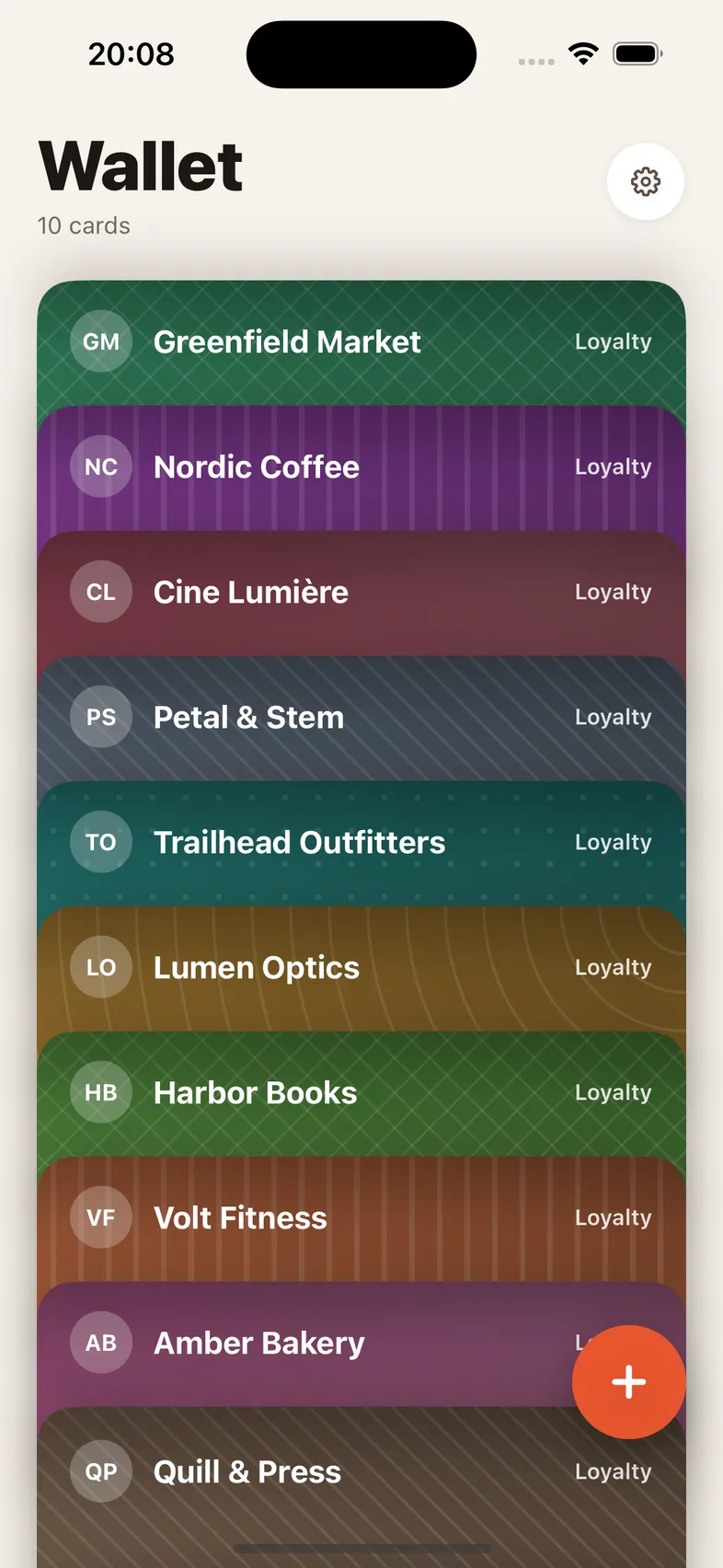
Your gym card is not a lifestyle. Your library card doesn’t need a dashboard. It just needs to appear when the scanner is waiting.
The three-step routine
Camera. Name. Done.
Use the steps to see the actual Scanline flow. No account wall, onboarding maze, or subscription screen.
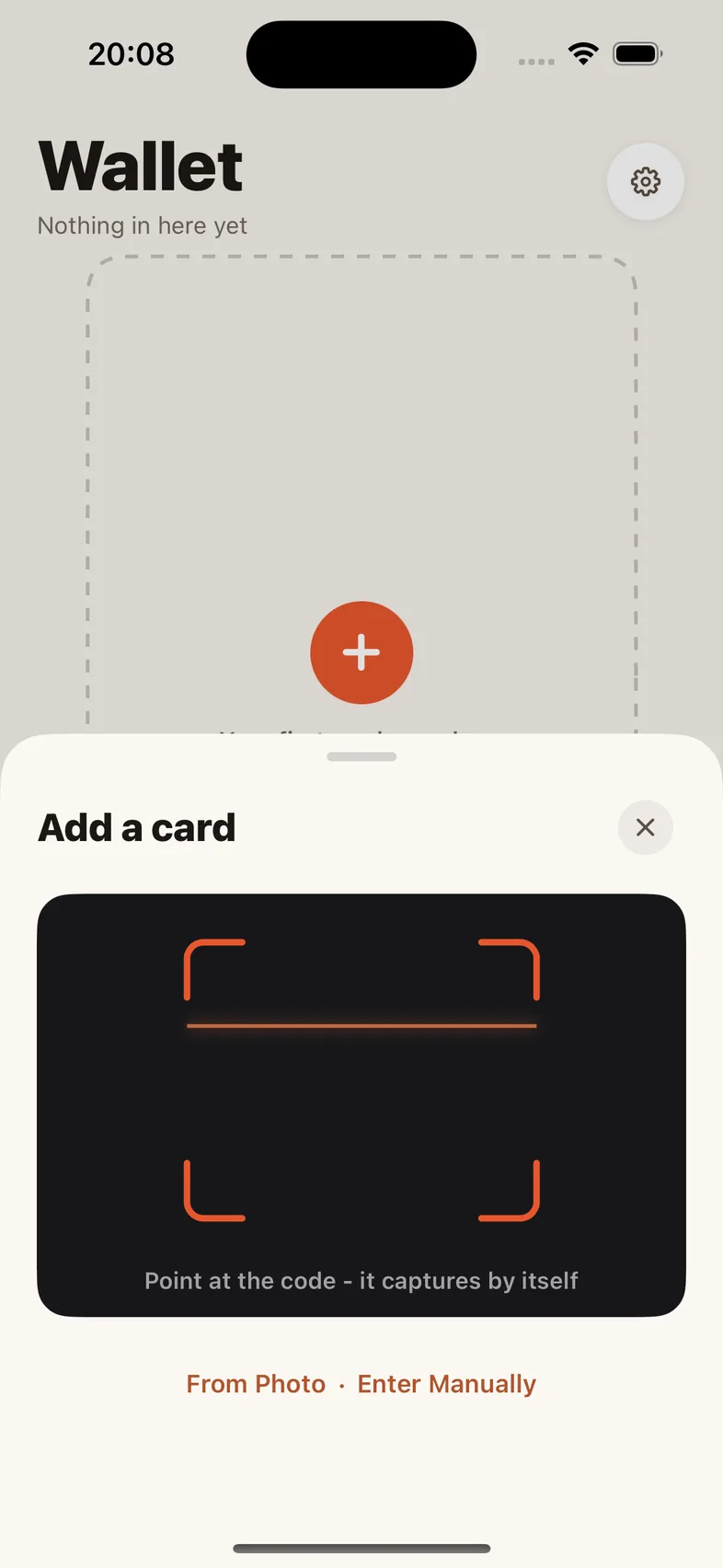
It captures itself.
Point the camera at a barcode or QR code. You can also import a photo or enter a worn-out code by hand.
Small app.
Useful decisions.
The product story becomes stronger when each claim answers a real checkout-line question.
Will it work with no signal?
Yes. Cards open offline and at full screen brightness so a scanner can read them.
Can it live in Apple Wallet?
Yes. Send a saved card to Apple Wallet as a real pass with its name and colour.
What codes does it understand?
QR, EAN, UPC, Code 128, Code 39, ITF, PDF417, Aztec and Data Matrix.
What’s the catch?
No subscription, premium tier, upsells or ads. Scanline is 100% free, forever.
Before you ask.
Where are my cards stored?
On your device. They’re included in your own iPhone backups when enabled, but automatic sync between devices is not available today. Scanline never stores a copy. The app sends anonymous aggregate usage counts-never card contents or identifying information-and you can switch that off in Settings.
Can I add a card without the camera?
Yes. Import a photo or enter the code manually when a printed card is worn out.
Why is it free?
Scanline is completely free with no subscription, premium tier, upsells or ads. You’re the customer, not the product.